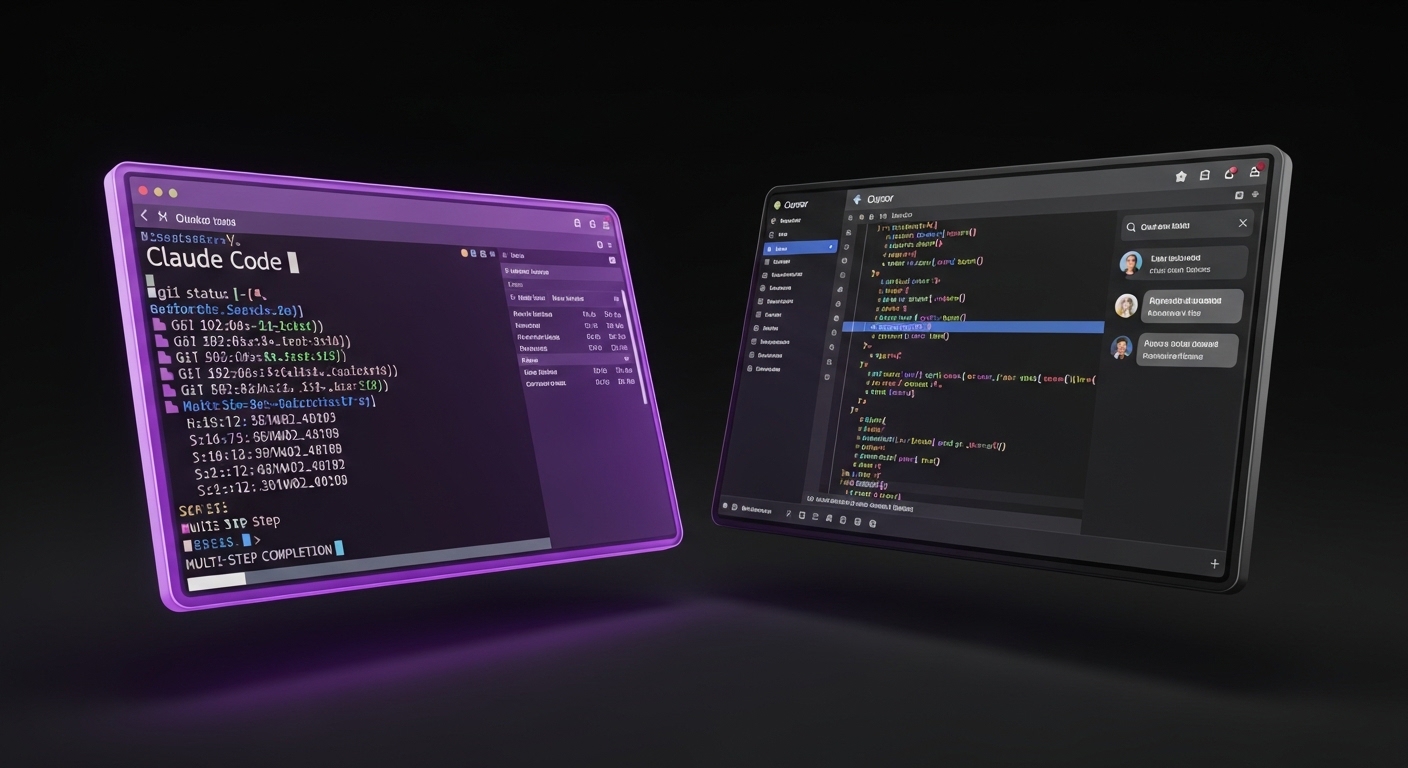
AI coding assistants are rapidly transforming software development, and one of the most searched AI coding assistant comparisons in 2026 is Claude Code vs Cursor AI. Both tools help developers write, debug, and manage code using AI, but they take very different approaches to software engineering workflows.
Claude Code is a terminal-based AI agent designed for multi-step development tasks and deep codebase reasoning. While Cursor is an AI-powered code editor that integrates directly into a VS Code-like environment for fast, inline coding assistance.
In this comparison, we’ll break down Claude Code vs Cursor across performance, context handling, pricing, and real-world use cases to help you choose the best AI coding assistant for your workflow.
What Is Claude Code?
Claude Code is Anthropic's AI-powered coding assistant designed for terminal-based AI development workflows. Rather than functioning as a traditional code editor, Claude Code acts as an intelligent coding agent capable of understanding repositories, generating code, debugging applications, and writing documentation.
One of Claude Code's biggest strengths is its ability to reason across larger codebases and execute complex development workflows with minimal manual intervention. This makes it particularly attractive for experienced developers, SaaS teams, and engineers working on production-grade software systems.
What is a Cursor?
Cursor is an AI-powered code editor (VS Code-based AI IDE) designed for modern AI-assisted development workflows. It combines a familiar development environment with advanced AI capabilities, allowing developers to generate code, explain functions, refactor applications, fix bugs, and navigate large codebases without leaving the editor.
Unlike traditional coding assistants that focus on autocomplete, Cursor acts as a collaborative AI coding assistant and IDE. Developers can interact with the AI through chat, inline editing, code generation prompts, and project-wide context awareness.
One of Cursor's biggest advantages is its seamless integration into existing development workflows. Because it looks and feels like VS Code, many developers can start using Cursor immediately without changing how they work. This ease of adoption has helped Cursor become one of the most popular AI coding tools among startups, SaaS teams, and independent developers.
Claude Code vs Cursor: Key Features Comparison
| Feature | Claude Code | Cursor |
|---|---|---|
| Primary Interface | Terminal | Code Editor |
| Best For | Agentic development workflows | Everyday coding assistance |
| Learning Curve | Moderate | Low |
| Codebase Understanding | Excellent | Excellent |
| Refactoring | Strong | Strong |
| Multi-Step Tasks | Excellent | Good |
| IDE Experience | Limited | Excellent |
| Beginner Friendly | Moderate | Excellent |
Both tools are powerful AI coding assistants, but they target slightly different workflows. Claude Code focuses on autonomous development tasks and deep repository understanding, while Cursor prioritizes developer productivity inside the editor.
For developers who prefer a familiar editor experience, Cursor is often the easier AI coding assistant to adopt. However, developers working on larger projects, multi-file changes, or agentic coding workflows may find Claude Code better suited to complex software development tasks. The right choice depends less on which tool is "better" and more on how you prefer to build software.
Claude Code vs Cursor: Coding Performance
Coding performance is often the deciding factor when choosing between the two.
Claude Code excels at handling complex development tasks that require reasoning across multiple files, planning changes, and executing multi-step workflows. Developers can instruct Claude Code to analyze a repository, identify bugs, implement features, and generate documentation with relatively little supervision.
Cursor shines during day-to-day development. Features such as inline code generation, smart autocompletion, code explanations, and rapid refactoring make it highly effective for developers who spend most of their time inside an editor.
For small coding tasks, both tools perform exceptionally well. However, for larger architectural changes and agentic workflows, many developers find that Claude Code offers a stronger reasoning experience. This makes Claude Code vs Cursor one of the most important AI coding assistant comparisons in 2026
Claude Code vs Cursor: Context Handling and Large Codebases
One of the most important factors (especially for AI coding assistants and large language model-based development tools) is how well they understand project context.
Claude Code was designed to work across entire repositories and can reason about relationships between files, dependencies, APIs, and project architecture. This makes it particularly useful for large SaaS applications and enterprise codebases.
Cursor also provides impressive context awareness through project indexing and codebase understanding. Developers can reference files, ask questions about implementations, and generate changes based on existing code structures.
For smaller projects, the difference may be negligible. For larger applications with thousands of files, Claude Code often demonstrates stronger repository-wide reasoning capabilities.
Claude Code vs Cursor: Developer Experience
Developer experience is where Cursor has traditionally held a significant advantage.
Because Cursor operates as a full-featured editor, developers can chat with AI, generate code, edit files, and review changes without switching tools. The workflow feels natural for developers already familiar with VS Code.
Claude Code takes a different approach by operating primarily through the terminal. While this may appeal to experienced engineers who prefer command-line workflows, it can require a short adjustment period for developers accustomed to visual development environments.
Ultimately, Cursor provides a smoother onboarding experience, while Claude Code rewards developers who want greater control over agentic coding workflows.
Claude Code vs Cursor: Pricing and Cost
Pricing is a practical consideration for developers and teams choosing between Claude Code and Cursor.
Claude Code pricing:
- API-based usage model
- Claude Pro / Anthropic subscription
Developers pay based on API usage, which means costs scale with how much you use the tool. For teams working on large projects with frequent AI interactions, this usage-based model can become expensive, though it offers flexibility for occasional users.
Cursor pricing:
- Free tier available
- Pro subscription with unlimited requests
- Team plans for collaboration
The Pro plan unlocks unlimited fast requests and advanced features, while the Team plan adds collaboration features and centralized billing. This predictable pricing structure makes it easier for startups and development teams to budget their tooling expenses. For individual developers, Cursor's free tier often provides enough value to get started. For teams running agentic workflows across large repositories, Claude Code's API pricing may be more cost-effective depending on usage patterns.
When Claude Code Is the Better Choice
Here are the ideal use cases for Claude Code
- You need to perform complex, multi-file refactoring across a large codebase.
- You prefer terminal-based workflows and command-line automation
- Your team needs an AI agent that can plan, execute, and verify development tasks
- You're working on production systems requiring deep repository understanding
- You want to automate repetitive development tasks like documentation and testing
When Cursor Is the Better Choice
Here are the ideal use cases for Cursor
- You want AI assistance without leaving your code editor
- Your team needs a familiar VS Code-like environment with minimal onboarding
- You prioritize fast inline code generation and smart autocompletion
- You're doing day-to-day feature development, debugging, and code review
- You need a tool that works immediately for developers of all skill levels
Claude Code vs Cursor: Which AI Coding Assistant Is Better in 2026?
If you prefer an AI coding assistant inside a familiar editor, Cursor is the better choice.
If you want an AI agent capable of handling complex, multi-step development tasks across large codebases, Claude Code is more powerful.
Ultimately, the better tool depends on your workflow: Cursor optimizes speed and convenience, while Claude Code focuses on depth and automation.
Conclusion
The Claude Code vs Cursor debate ultimately comes down to workflow preference in modern AI-powered software development.
Both tools represent the future of AI-assisted coding but serve different developer needs. Cursor focuses on accessibility and speed inside a familiar editor, while Claude Code focuses on deeper automation and agentic workflows.
Rather than choosing a single winner, most developers benefit from using both tools depending on the task. The best AI coding assistant is the one that fits your workflow and helps you ship better software faster.
Frequently Asked Questions
What is the main difference between Claude Code and Cursor?
Claude Code is a terminal-based AI coding agent designed for deep, multi-step development tasks and repository-level reasoning. Cursor, on the other hand, is an AI-powered code editor (VS Code-based IDE) that provides inline coding assistance, chat support, and real-time AI features inside the editor.
Is Claude Code better than Cursor for coding?
It depends on the workflow. Claude Code is better for complex, multi-file changes and automated development tasks. Cursor is better for daily coding, quick edits, and developers who prefer working inside a graphical code editor.
Is Cursor easier to use than Claude Code?
Yes. Cursor has a lower learning curve because it works like Visual Studio Code with built-in AI features. Claude Code requires familiarity with terminal-based workflows, which may take time for beginners.
Can Claude Code understand large codebases?
Yes. Claude Code is designed to analyze and reason across entire repositories, making it useful for large SaaS applications, enterprise systems, and complex software architectures.
Does Cursor support large projects?
Yes. Cursor includes project indexing and context awareness features that allow it to understand and work with large codebases, although it is generally more focused on editor-based workflows than autonomous reasoning.
Which tool is better for beginners: Claude Code or Cursor?
Cursor is better for beginners because it provides a familiar IDE-like environment with minimal setup. Claude Code is more suited for experienced developers who are comfortable with terminal-based workflows.
Which is more cost-effective, Claude Code or Cursor?
Cursor is often more predictable due to its subscription pricing model. Claude Code uses API-based pricing, which can become expensive depending on usage, but may be cost-effective for specific workflows or lighter usage.
Will AI coding tools like Claude Code and Cursor replace developers?
No. These tools are designed to assist developers, not replace them. They improve productivity by automating repetitive tasks, speeding up debugging, and helping with code generation, but human oversight is still essential.
What is the best AI coding assistant in 2026?
There is no single best tool. Claude Code is better for agentic, automation-heavy workflows, while Cursor is better for everyday development inside an editor. The best choice depends on your workflow and project type.